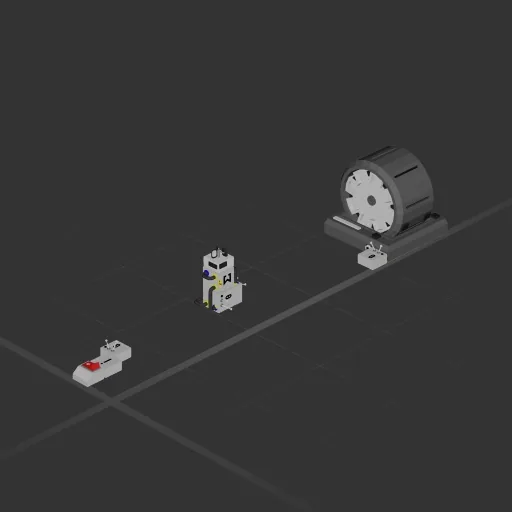
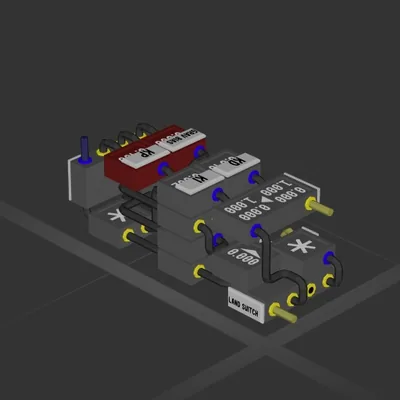
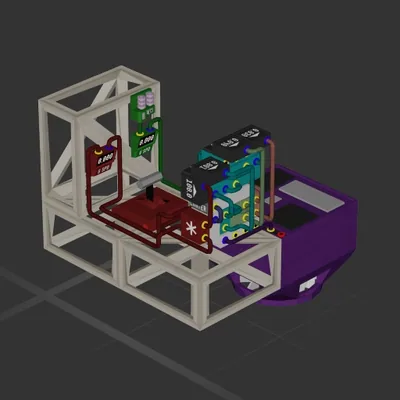
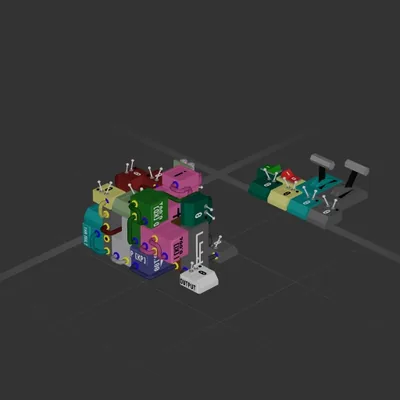
This build has no engines — it's a hull, a system or a section.
Equipment
Logic circuits 1
Wireless links 4
Most used parts
Data Cable15
Wireless Transmitter4
Logic Gate NOT1
Small Switch1
Small Plasma Generator1
Remapper1
Windmeter1
Accumulator1
Author's description
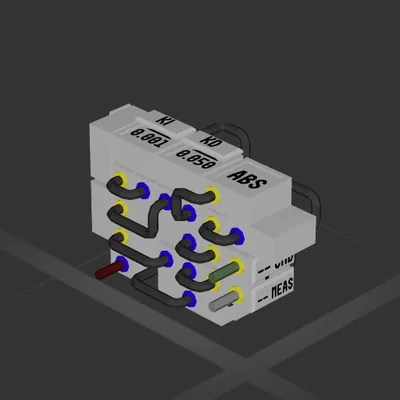
Set the radius of the shield and flick the switch when you want it active
the wind meter needs to be outside unblocked on all 4 sides
How to install this ship
Download the ZIP.Every download contains two files with matching names — a .bp and a .bpmeta. You need both: the .bp is the ship, the .bpmeta holds its name. A .bp on its own will not appear in the game.
Unzip into the Blueprints folder.Paste %USERPROFILE%\AppData\LocalLow\ApproximatelyGames\ApproximatelyUp\Blueprints into Explorer's address bar and drop both files there. Keep their filenames exactly as they are — the game pairs them by name.
Restart and open the blueprint menu.The game reads the folder on startup, so restart it. Open the blueprint menu, find the ship by its name and load it. Test it next to a garage before flying a mission.
 387 ↓
387 ↓