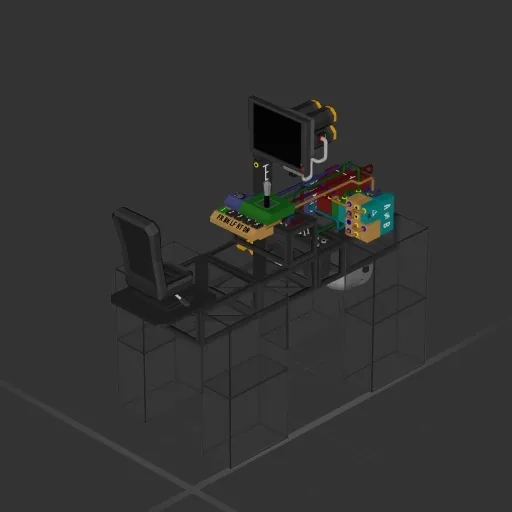
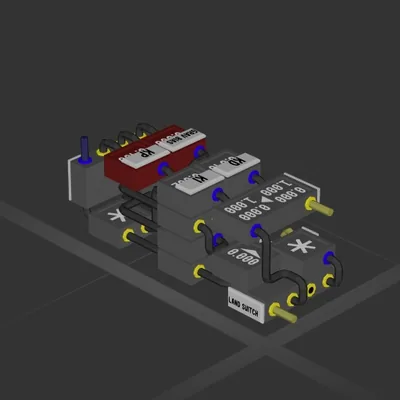
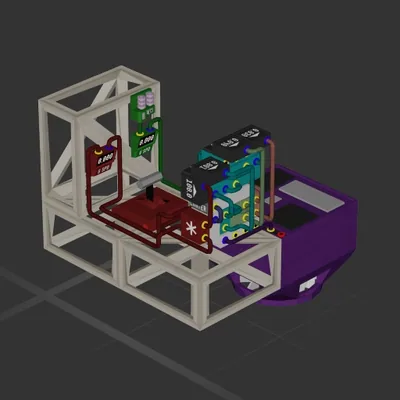
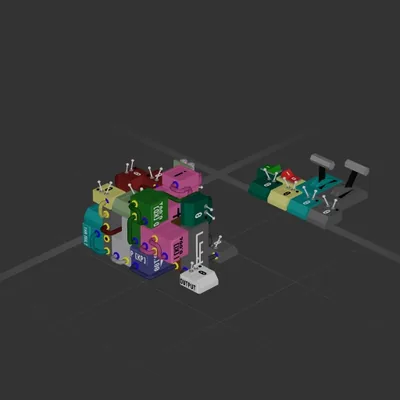
This build has no engines — it's a hull, a system or a section.
Equipment
Cockpit seat 1
Batteries 2
Logic circuits 14
Wireless links 2
Screens & cameras 1
Most used parts
Data Cable198
Power Cable19
Glass Full8
Constant8
Data Router 44
Condition4
Frame Full3
Data Router 23
Author's description
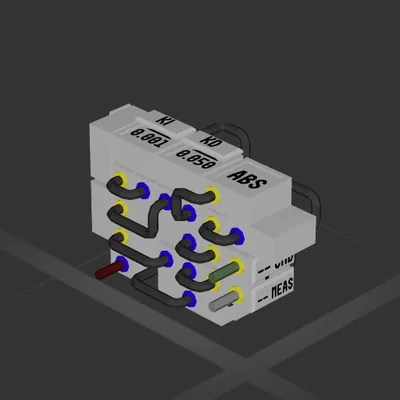
★Light Speed Industries★ presents:
<b>A very nice bottom mounted
telescopic camera control
circuit with presets.</b>
It is designed to act as scouting camera for ground/sky objects and ship cameras replacement.
<color=green>Features:
• 5 Presets (Forward,Back,Left,Right,Down).
• Automatically Recenters view when
switching preset.
• Clamps camera pitch to 0-90 degrees to
prevent camera from rotating upside
down.
• Decreses sensitivty automatically when
zoomed in.</color>
This version is unsuitable for top/front/side mounting, LSI is not responsible for ship damage resulting from incorrect mounting.
How to install this ship
Download the ZIP.Every download contains two files with matching names — a .bp and a .bpmeta. You need both: the .bp is the ship, the .bpmeta holds its name. A .bp on its own will not appear in the game.
Unzip into the Blueprints folder.Paste %USERPROFILE%\AppData\LocalLow\ApproximatelyGames\ApproximatelyUp\Blueprints into Explorer's address bar and drop both files there. Keep their filenames exactly as they are — the game pairs them by name.
Restart and open the blueprint menu.The game reads the folder on startup, so restart it. Open the blueprint menu, find the ship by its name and load it. Test it next to a garage before flying a mission.
 387 ↓
387 ↓