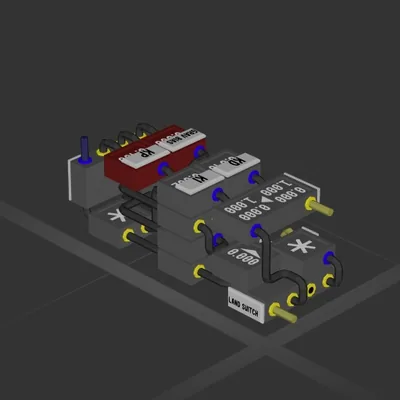
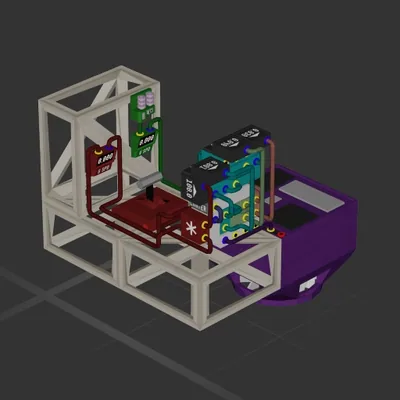
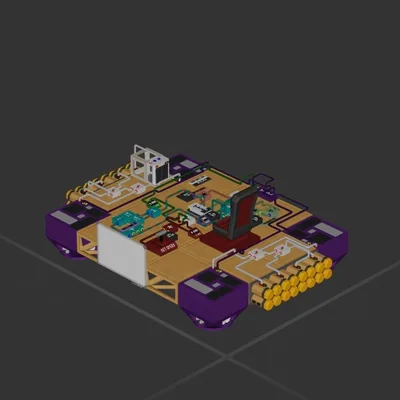
Test facility designed to test different fuel mixes and percentages.
Complete with multi man stations, remote work stations, functioning camera, and much more
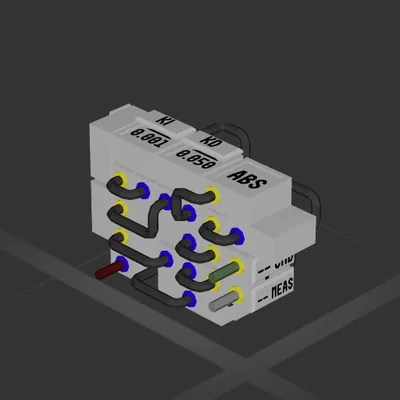
Multiple logic circuits for timing, video feed, fuel addative percentages, fuel remaining percentages as well as some to use multiple switches and controls on one system.
Great facility to learn about how to get the most out of your fuel mixture or logic.
Use in free build mode
How to install this ship
Download the ZIP.Every download contains two files with matching names — a .bp and a .bpmeta. You need both: the .bp is the ship, the .bpmeta holds its name. A .bp on its own will not appear in the game.
Unzip into the Blueprints folder.Paste %USERPROFILE%\AppData\LocalLow\ApproximatelyGames\ApproximatelyUp\Blueprints into Explorer's address bar and drop both files there. Keep their filenames exactly as they are — the game pairs them by name.
Restart and open the blueprint menu.The game reads the folder on startup, so restart it. Open the blueprint menu, find the ship by its name and load it. Test it next to a garage before flying a mission.
 387 ↓
387 ↓ 
 229 ↓
229 ↓