AU Ships

Ultimate PID Any Gravity, Easy Tune, Infinite Range

Workshop author: SenseiTrash · Steam ↗
System System Small

Ultimate PID Any Gravity, Easy Tune, Infinite Range

Specifications

298 Parts
28 Part types
2 Engines
235 Cable cells
1 Frames
62 Equipment parts

Engine mix

  • Lift fans2

Equipment

  • Logic circuits 18
  • Wireless links 14

Most used parts

  • Data Cable 235
  • Wireless Transmitter 14
  • Remapper 8
  • Large Label 5
  • Multiplier 3
  • Adder 3
  • Data Router 2 3
  • Datameter 3

Author's description

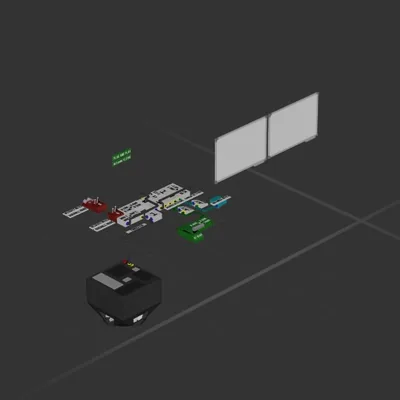
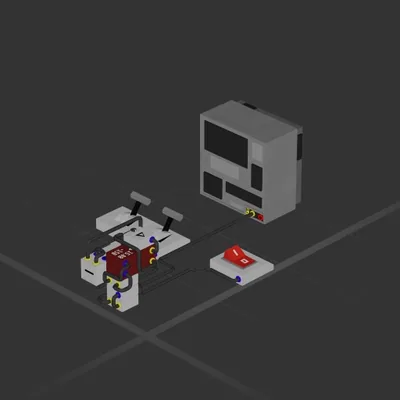
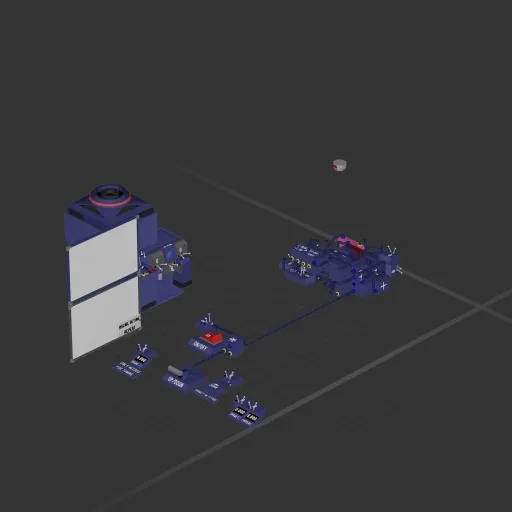
Adaptive hover By: Dead Set and forget Non-linear Cascade PID with virtually infinite range making it a great Auto BPS Tl;dr Can be used as an Auto BPS NEEDS TUNING: The Red remapper the short range kp tuner, the Pink one is for long range. The rest doent need tuning as it will Integrate those values how tune? i am ty <3 : Instructions on whiteboard If there is stedy state jidder, lower red kp If you do it right you'll never have to re-tune it, gonna want to if you change thrust power tho For best results, wire the Engines, Velocity Meter & LRDM/Altimeter directly to wireless transmitters (Aim for minimal delay.) TL;DR Ur gonna wanna go back and read this one Everything is set up correctly for anyone that needs it This works fine with uneven thrust. Kinda buggy with the fuel thrusters I do believe intagration happens whenever decelerating. So, you dont really need to wait for it to Integrate the gravity to use it, it will Integrate while in motion some noise on startup, just cause its big Dimensions: 2 x 1.5 x 0.5 Comps: 30 Worth?: Oh yeah

How to install this ship

  1. Download the ZIP. Every download contains two files with matching names — a .bp and a .bpmeta. You need both: the .bp is the ship, the .bpmeta holds its name. A .bp on its own will not appear in the game.
  2. Unzip into the Blueprints folder. Paste %USERPROFILE%\AppData\LocalLow\ApproximatelyGames\ApproximatelyUp\Blueprints into Explorer's address bar and drop both files there. Keep their filenames exactly as they are — the game pairs them by name.
  3. Restart and open the blueprint menu. The game reads the folder on startup, so restart it. Open the blueprint menu, find the ship by its name and load it. Test it next to a garage before flying a mission.

Similar ships

Silly drone
Silly drone

Silly drone

catlyer4

288 parts Small

System