 597 ↓
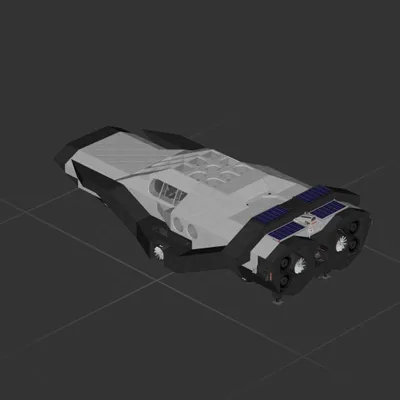
597 ↓ RANGER INTERSTELLAR ADVANCED SYSTEMS
Cruiser
Workshop author: A'eon Styr · Steam ↗
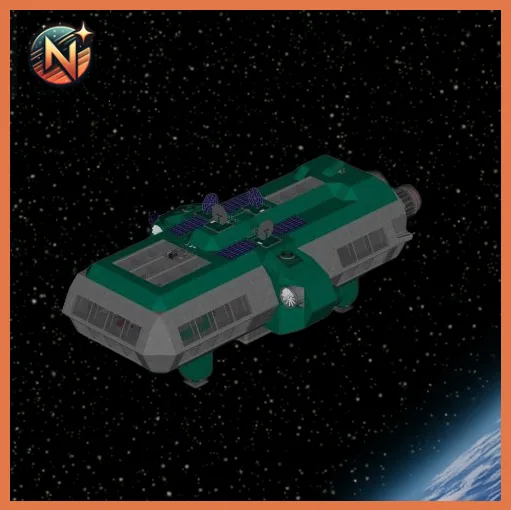
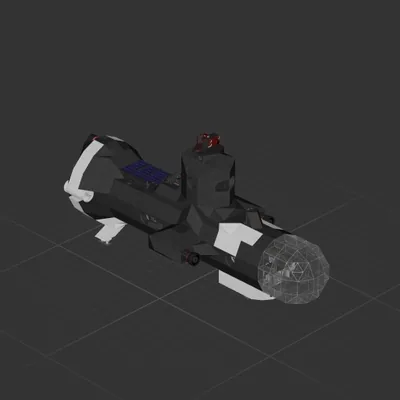
Meet Artemis II, the first offering of the NuStar Logistics fleet! This isn't your average cargo hauler; it is a high-tech, deep-space speedster engineered to make interstellar travel feel like a weekend cruise. Artemis II gets its juice from ultra-flexible, high-efficiency solar panels. These panels capture every stray photon from nearby stars, converting light into pure propulsive energy. But what happens when you cross into the dark, spooky shadow of a rogue planet? No worries! The ship packs a massive lithium-quantum backup battery bank. This mega-battery stores enough raw power to run the entire ship at full blast for weeks, keeping the lights on and the gravity humming. Over-Engineered for Adventure, built with a lightweight titanium-carbon mesh hull, Artemis II is tough enough to shrug off micrometeoroids while keeping the ride smooth. Under the hood, it features advanced plasma thrusters for lightning-fast acceleration and an automated navigation brain that charts the safest, fastest routes through asteroid fields. Every inch of this ship is stuffed with top-tier tech: from its glowing sub-light engines to its cozy command deck, Artemis II is perfectly engineered, totally reliable, and ready to conquer the cosmos!
597 ↓ Cruiser
 161 ↓
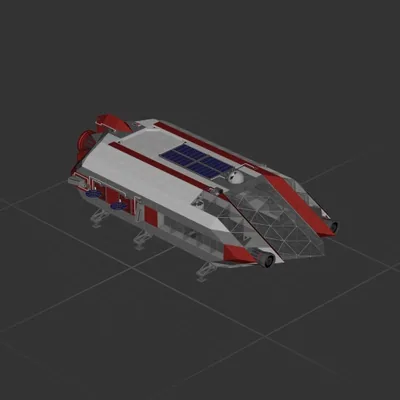
161 ↓ Cruiser
 136 ↓
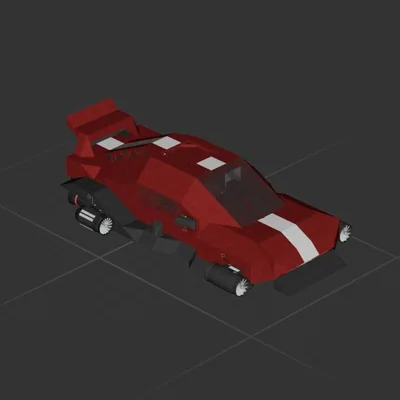
136 ↓ Cruiser
Cruiser