AU Корабли

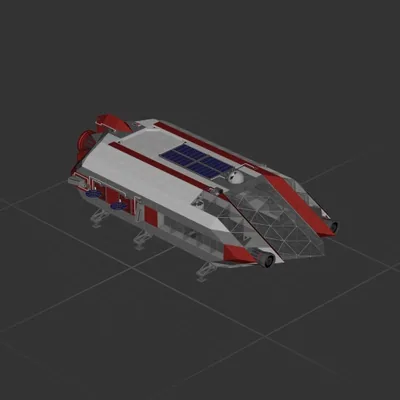
NuStar Logistics - Artemis II

Автор в Мастерской: A'eon Styr · Steam ↗
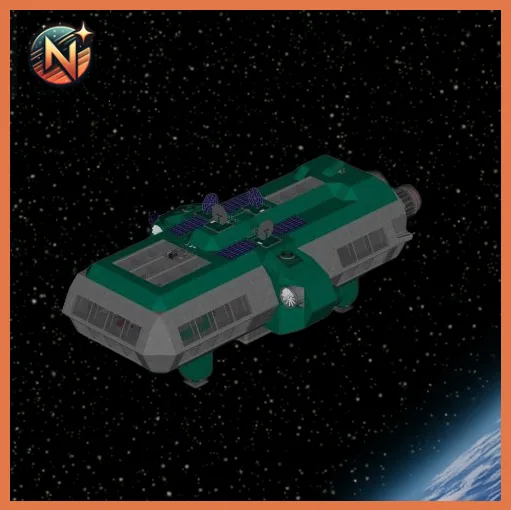
Крейсер Целый корабль Крупный

NuStar Logistics - Artemis II

Характеристики

3 743 Деталей
86 Видов деталей
18 Двигателей
2 635 Клеток кабеля
846 Рам
262 Деталей оборудования

Состав двигателей

  • Подъёмные8
  • Электрические маршевые4
  • Маневровые6

Оснащение

  • Кресло пилота 3
  • Солнечные панели 8
  • Батареи 12
  • Логические схемы 13
  • Радиоканалы 30
  • Экраны и камеры 4
  • Радар 1

Чаще всего использованы

  • Power Cable 1 324
  • Data Cable 1 274
  • Frame Half 135
  • Frame Quarter 120
  • Frame Quarter With Ports 114
  • Frame Half Curved 5 111
  • Frame Quarter With Ports Corner 96
  • Frame Full 67

Описание автора

Meet Artemis II, the first offering of the NuStar Logistics fleet! This isn't your average cargo hauler; it is a high-tech, deep-space speedster engineered to make interstellar travel feel like a weekend cruise. Artemis II gets its juice from ultra-flexible, high-efficiency solar panels. These panels capture every stray photon from nearby stars, converting light into pure propulsive energy. But what happens when you cross into the dark, spooky shadow of a rogue planet? No worries! The ship packs a massive lithium-quantum backup battery bank. This mega-battery stores enough raw power to run the entire ship at full blast for weeks, keeping the lights on and the gravity humming. Over-Engineered for Adventure, built with a lightweight titanium-carbon mesh hull, Artemis II is tough enough to shrug off micrometeoroids while keeping the ride smooth. Under the hood, it features advanced plasma thrusters for lightning-fast acceleration and an automated navigation brain that charts the safest, fastest routes through asteroid fields. Every inch of this ship is stuffed with top-tier tech: from its glowing sub-light engines to its cozy command deck, Artemis II is perfectly engineered, totally reliable, and ready to conquer the cosmos!

Как установить этот корабль

  1. Скачайте ZIP. В каждом архиве два файла с одинаковыми именами — .bp и .bpmeta. Нужны оба: .bp это сам корабль, .bpmeta хранит его название. Один только .bp в игре не появится.
  2. Распакуйте в папку Blueprints. Вставьте %USERPROFILE%\AppData\LocalLow\ApproximatelyGames\ApproximatelyUp\Blueprints в адресную строку проводника и положите туда оба файла. Имена не меняйте — игра связывает пару именно по имени.
  3. Перезапустите игру и откройте меню чертежей. Папка читается при запуске, поэтому игру надо перезапустить. Откройте меню чертежей, найдите корабль по названию и загрузите. Перед вылетом проверьте его рядом с гаражом.

Подробная инструкция →

Похожие корабли

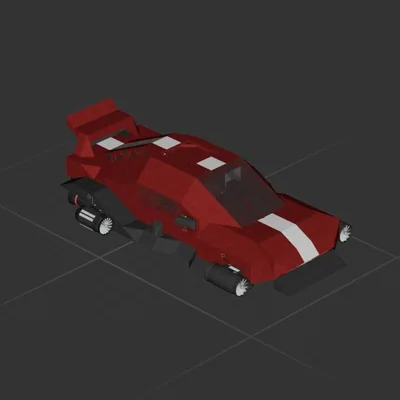
Trident
Trident 161 ↓

Trident

Debbie Thornberry

3 122 деталей Крупный

Крейсер

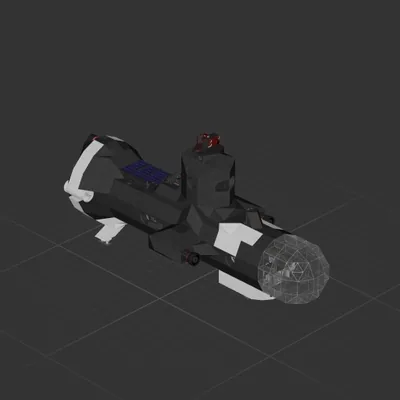
The Orca
The Orca

The Orca

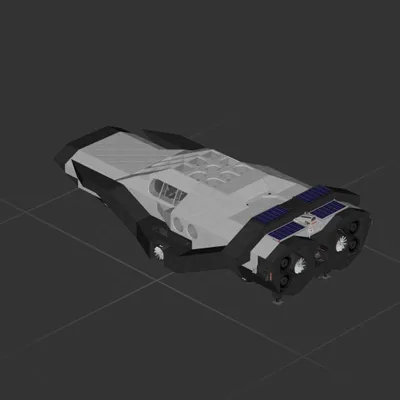
CoronaKid

3 507 деталей Крупный

Крейсер