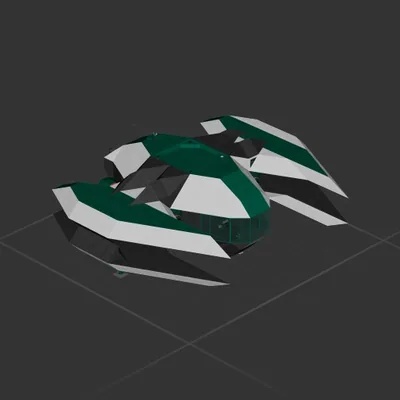
AU Ships

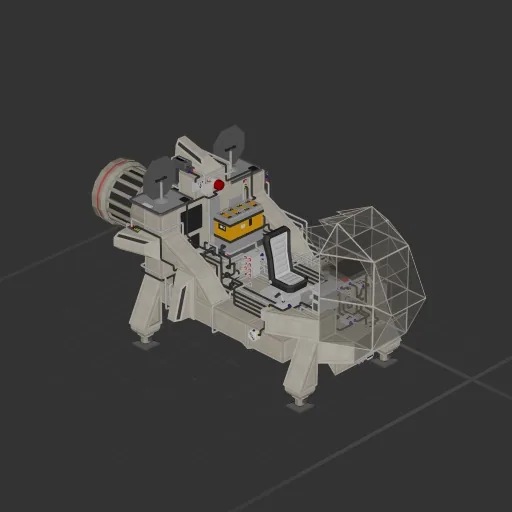
Screamer

Workshop author: bibbicus · Steam ↗

Shuttle Complete ship Medium

Screamer

Specifications

1,307 Parts
41 Part types
9 Engines
1,196 Cable cells
48 Frames
63 Equipment parts

Engine mix

  • Lift fans2
  • Electric thrusters1
  • Maneuvering6

Equipment

  • Cockpit seat 1
  • Solar panels 2
  • Batteries 1
  • Logic circuits 5
  • Wireless links 1
  • Screens & cameras 3
  • Radar 1

Most used parts

  • Data Cable 739
  • Power Cable 457
  • Frame Half 14
  • Frame Half Curved 1 11
  • Glass Full Curved 1 7
  • Frame Full 6
  • Small Maneuvering Thruster 6
  • Data Router 2 5

Author's description

Have you ever wanted something fast, but barely useful? Do you ever think to yourself, "I wish power mangement was a continuous struggle"? Well, look no further. From the people who brought you space gems like "The Penetrator" and "Cargo Cruiser", Bibco proudly presents their newest addition to the the "Meh" lineup of cosmic junk...The Screamer. She zips and zags. She zags and zips. She has only one battery and chews through energy like a chubby blind date at a buffet. This near useless, open air machine will take you to the stars...and possibly the morgue. Make other ships eat your space dust mere seconds before you become space dust. You'll struggle to scream while your lungs collapse at over 1000kph within the atmosphere, but fret not. The Screamer will do it for you with its built-in party button. Flip that baby on and say goodbye to reality as you know it as you slip into a Kubrickian hallucinogenic coma while rimming the speed of light in outer space. Feel your blood burst into flames as you plummet toward a planet's surface at nearly impossible to manage speeds in this sensory deprivation chamber of the stars. Take one home today! *no returns

How to install this ship

  1. Download the ZIP. Every download contains two files with matching names — a .bp and a .bpmeta. You need both: the .bp is the ship, the .bpmeta holds its name. A .bp on its own will not appear in the game.
  2. Unzip into the Blueprints folder. Paste %USERPROFILE%\AppData\LocalLow\ApproximatelyGames\ApproximatelyUp\Blueprints into Explorer's address bar and drop both files there. Keep their filenames exactly as they are — the game pairs them by name.
  3. Restart and open the blueprint menu. The game reads the folder on startup, so restart it. Open the blueprint menu, find the ship by its name and load it. Test it next to a garage before flying a mission.

Similar ships

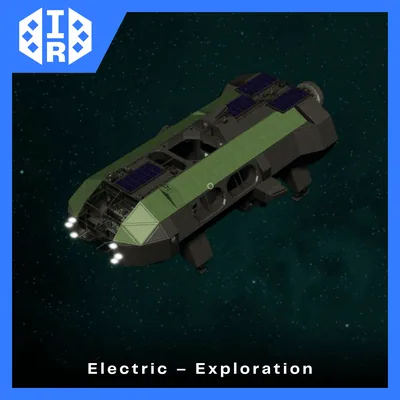
IR EX-1
IR EX-1

IR EX-1

Killer_Potato

1,491 parts Medium

Shuttle

III kirk
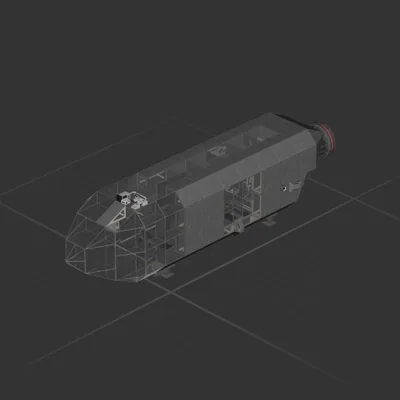
III kirk

III kirk

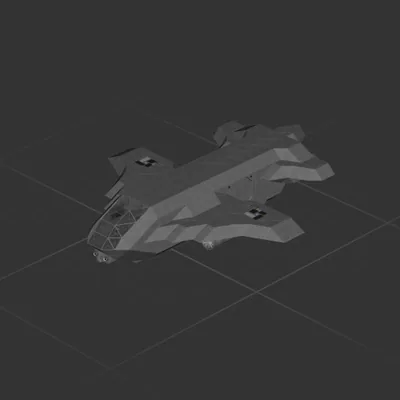
raccoon

801 parts Medium

Shuttle