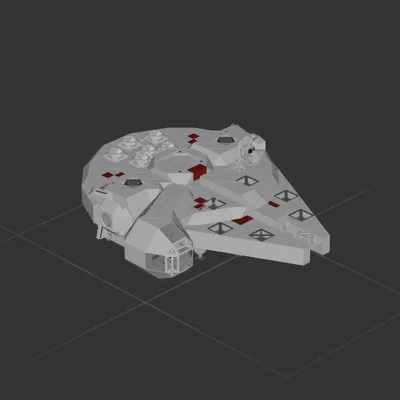
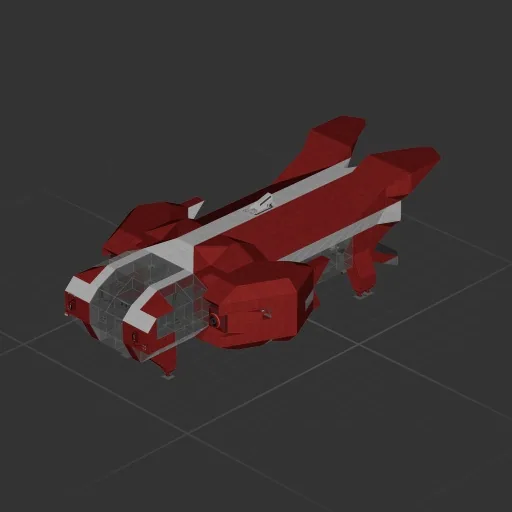
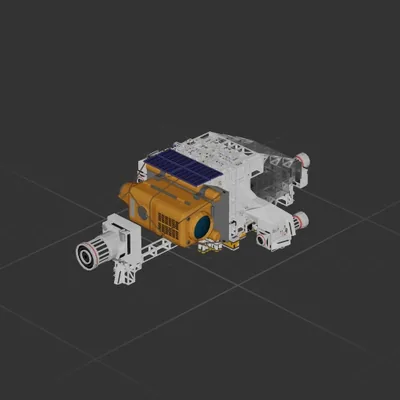
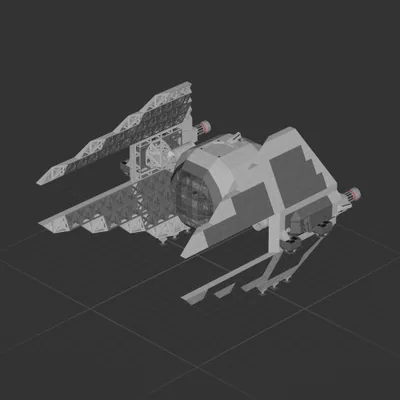
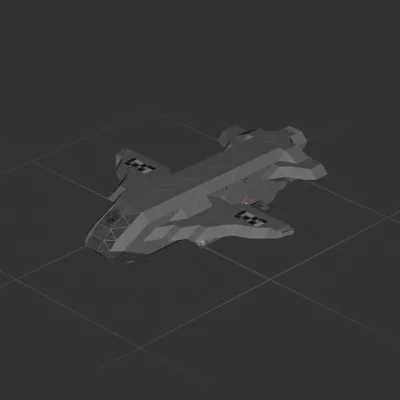
The Bernstien Founders Initiative Congratulates you on restoring the moons atmosphere! Unfortunalety Ice cream doesnt go well without MAMMOTHS! well thats what only gary in IND would say...
Anyways, BFI has done a sizable extension the the rear end of The ML, making it more than suitibe for "Operation Mammoth rescue"
Unsure what the top wants a mammoth for, something about "severance?" good luck.
How to install this ship
Download the ZIP.Every download contains two files with matching names — a .bp and a .bpmeta. You need both: the .bp is the ship, the .bpmeta holds its name. A .bp on its own will not appear in the game.
Unzip into the Blueprints folder.Paste %USERPROFILE%\AppData\LocalLow\ApproximatelyGames\ApproximatelyUp\Blueprints into Explorer's address bar and drop both files there. Keep their filenames exactly as they are — the game pairs them by name.
Restart and open the blueprint menu.The game reads the folder on startup, so restart it. Open the blueprint menu, find the ship by its name and load it. Test it next to a garage before flying a mission.