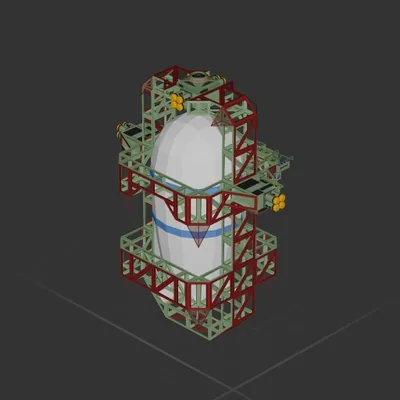
 101 ↓
101 ↓ Clima bomb Boom Automatic
Atmospheric
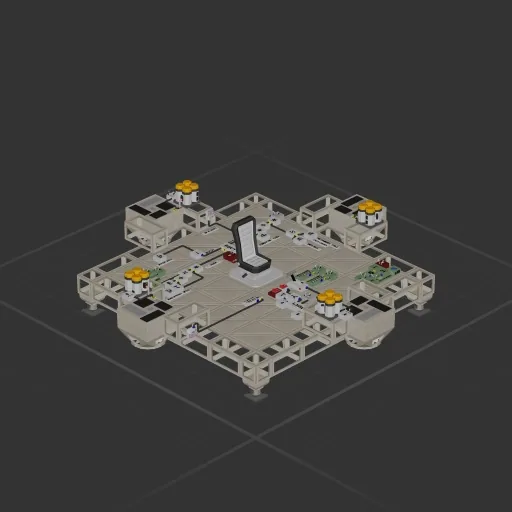
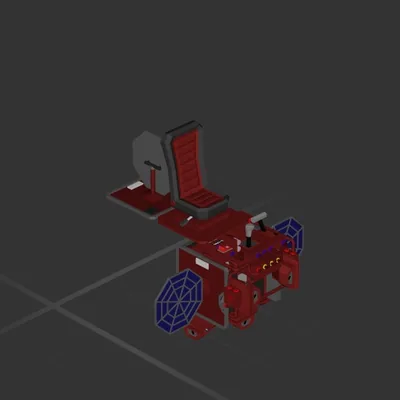
Constants (update based on your ship): Ships Mass (The value on garage debug info (default H)) Max Downwards Force (Sum of max forces (See in component menu under that component) of all engines pointing down) Variables: Hover Approach Speed - How fast the ship approaches target altitude in hover mode Descent Speed - How fast the ship descents in descent mode Correction Power - Tuning value, how much the ship tries to meet the goal (higher is rougher) Inputs: Vertical Power lever (manual control) Descent switch (enables descent) Hover switch (enables hover) Notes: Hover switch has higher priority than descent switch, so when both enabled ship will hover Hovering is slightly advanced, the ship will slowly approach a target altitude which is locked to your current altitude when pressing hover switch Uses memory component for storing target altitude for hovering, so you can make it be manually setable Hover works normally when the mass is set to even 2 times larger than it is, and starts jumping a bit on 3 times Correction Power also affects how much the ship follows the set speeds, so setting it to 10 makes the ship fall faster then the set Descent Speed
101 ↓ Atmospheric
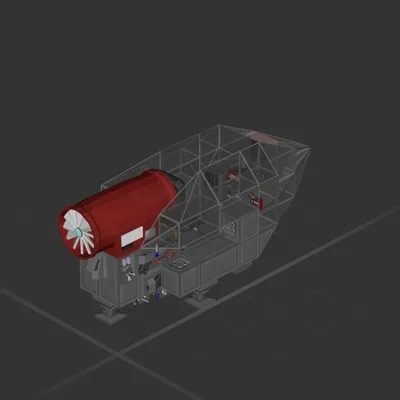
Atmospheric
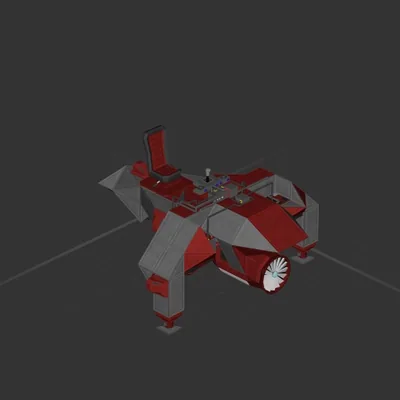
Atmospheric
Atmospheric