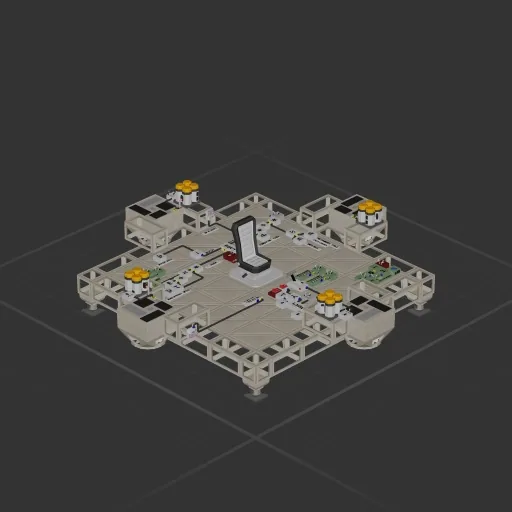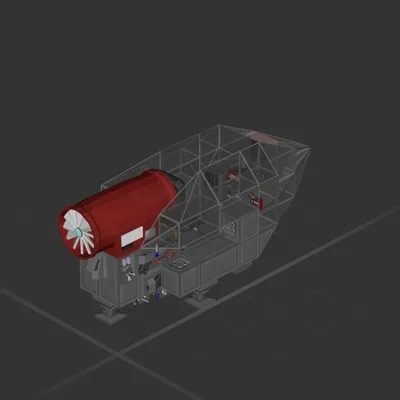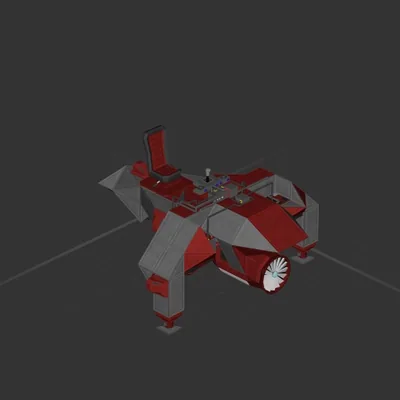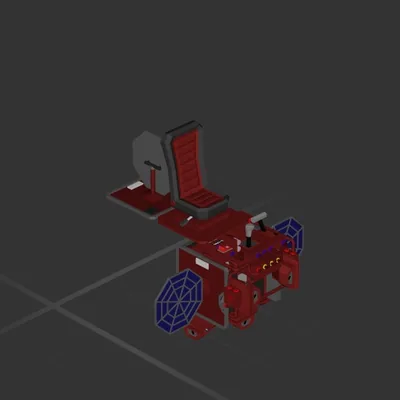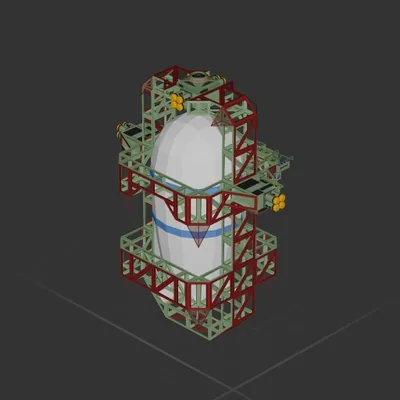
AU Корабли

Auto hover and auto land

Автор в Мастерской: S0KL0 · Steam ↗

Атмосферный Целый корабль Малый

Auto hover and auto land

Характеристики

295 Деталей
29 Видов деталей
4 Двигателей
154 Клеток кабеля
57 Рам
84 Деталей оборудования

Состав двигателей

  • Подъёмные4

Оснащение

  • Кресло пилота 1
  • Батареи 4
  • Логические схемы 19
  • Радиоканалы 16

Чаще всего использованы

  • Data Cable 146
  • Frame Half 28
  • Frame Full 25
  • Wireless Transmitter 16
  • Large Label 13
  • Power Cable 8
  • Label 7
  • Constant 5

Описание автора

Constants (update based on your ship): Ships Mass (The value on garage debug info (default H)) Max Downwards Force (Sum of max forces (See in component menu under that component) of all engines pointing down) Variables: Hover Approach Speed - How fast the ship approaches target altitude in hover mode Descent Speed - How fast the ship descents in descent mode Correction Power - Tuning value, how much the ship tries to meet the goal (higher is rougher) Inputs: Vertical Power lever (manual control) Descent switch (enables descent) Hover switch (enables hover) Notes: Hover switch has higher priority than descent switch, so when both enabled ship will hover Hovering is slightly advanced, the ship will slowly approach a target altitude which is locked to your current altitude when pressing hover switch Uses memory component for storing target altitude for hovering, so you can make it be manually setable Hover works normally when the mass is set to even 2 times larger than it is, and starts jumping a bit on 3 times Correction Power also affects how much the ship follows the set speeds, so setting it to 10 makes the ship fall faster then the set Descent Speed

Как установить этот корабль

  1. Скачайте ZIP. В каждом архиве два файла с одинаковыми именами — .bp и .bpmeta. Нужны оба: .bp это сам корабль, .bpmeta хранит его название. Один только .bp в игре не появится.
  2. Распакуйте в папку Blueprints. Вставьте %USERPROFILE%\AppData\LocalLow\ApproximatelyGames\ApproximatelyUp\Blueprints в адресную строку проводника и положите туда оба файла. Имена не меняйте — игра связывает пару именно по имени.
  3. Перезапустите игру и откройте меню чертежей. Папка читается при запуске, поэтому игру надо перезапустить. Откройте меню чертежей, найдите корабль по названию и загрузите. Перед вылетом проверьте его рядом с гаражом.

Подробная инструкция →

Похожие корабли

Clima bomb Boom Automatic
Clima bomb Boom Automatic 101 ↓

Clima bomb Boom Automatic

SaNT Xc

319 деталей Малый

Атмосферный

Lil Devil
Lil Devil

Lil Devil

bibbicus

272 деталей Малый

Атмосферный

LSI s.i.p
LSI s.i.p

LSI s.i.p

Qiler

100 деталей Малый

Атмосферный