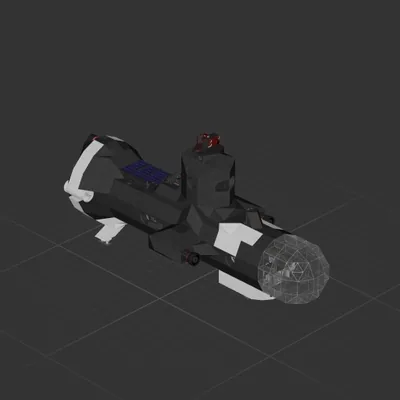
only maybe non straightforward part is the ocean descent, i put a little guide on the wall of the ship above the ballast and descend controls.
Depth gauge on the top right
floodlights
solar panels if you manage to run out of battery (if you run out underwater activate the ballast to 100 and turn off any other systems, then crank the dynamo box in the back until you reach the surface, then leave ballast on while solar panels charge.)
How to install this ship
Download the ZIP.Every download contains two files with matching names — a .bp and a .bpmeta. You need both: the .bp is the ship, the .bpmeta holds its name. A .bp on its own will not appear in the game.
Unzip into the Blueprints folder.Paste %USERPROFILE%\AppData\LocalLow\ApproximatelyGames\ApproximatelyUp\Blueprints into Explorer's address bar and drop both files there. Keep their filenames exactly as they are — the game pairs them by name.
Restart and open the blueprint menu.The game reads the folder on startup, so restart it. Open the blueprint menu, find the ship by its name and load it. Test it next to a garage before flying a mission.
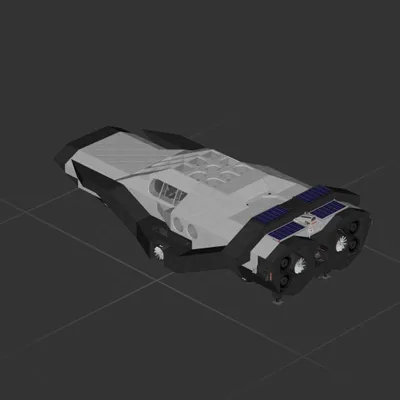 597 ↓
597 ↓ 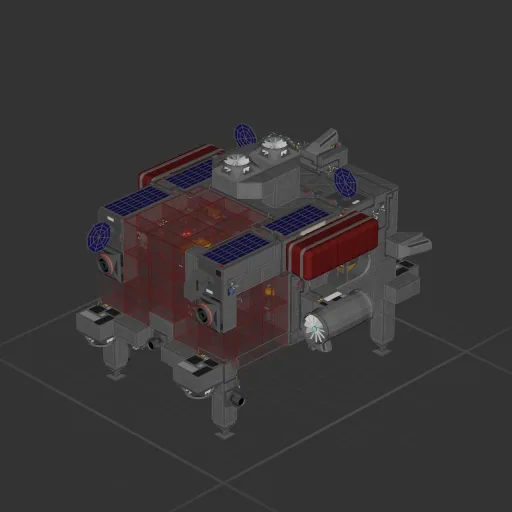
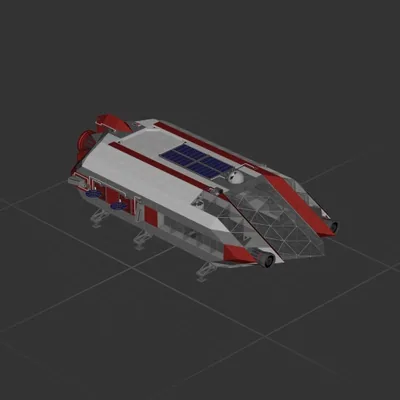 161 ↓
161 ↓  136 ↓
136 ↓