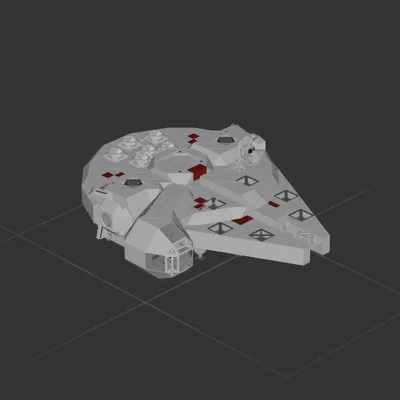
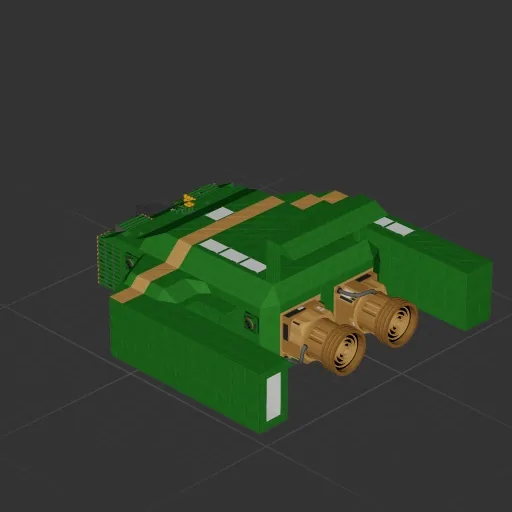
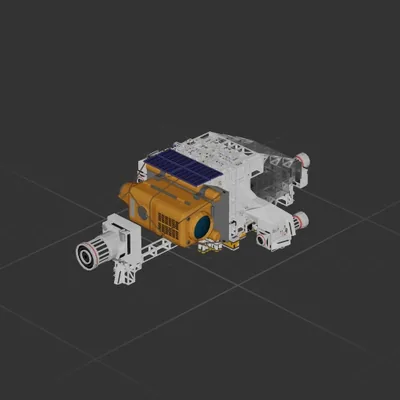
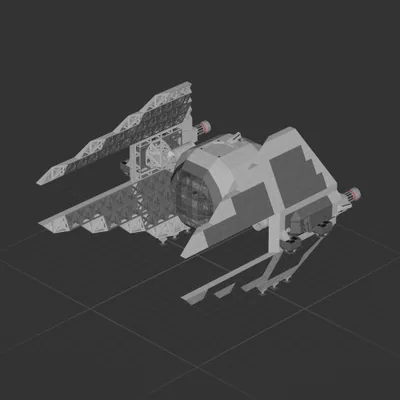
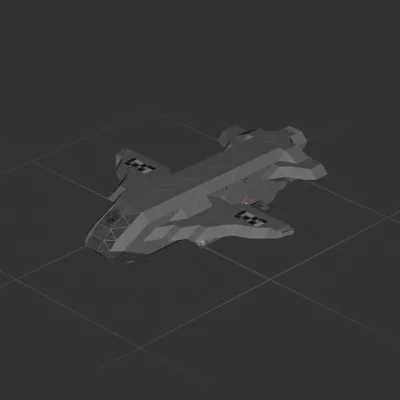
This is my 1:1 recreation of Thunderbird 2 from Thunderbirds Are Go, built from the ground up in Approximately Up.
I’ve put a ridiculous amount of effort into getting the shape, proportions and overall look as close to the original as possible. If you know Thunderbird 2, you’ll recognise it instantly — this isn’t just inspired by it, it’s built to match it.
As Shakespeare said, “The game’s afoot.” So take her up, open the throttle and enjoy flying one of the most iconic aircraft ever made.
If you download it, please leave a review — I’d genuinely love to hear what you think.
How to install this ship
Download the ZIP.Every download contains two files with matching names — a .bp and a .bpmeta. You need both: the .bp is the ship, the .bpmeta holds its name. A .bp on its own will not appear in the game.
Unzip into the Blueprints folder.Paste %USERPROFILE%\AppData\LocalLow\ApproximatelyGames\ApproximatelyUp\Blueprints into Explorer's address bar and drop both files there. Keep their filenames exactly as they are — the game pairs them by name.
Restart and open the blueprint menu.The game reads the folder on startup, so restart it. Open the blueprint menu, find the ship by its name and load it. Test it next to a garage before flying a mission.