AU Ships

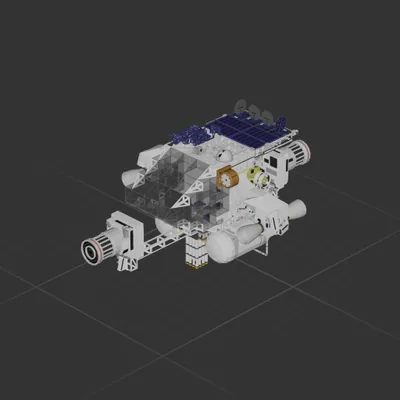
Planeteer v4.2

Workshop author: SenseiTrash · Steam ↗
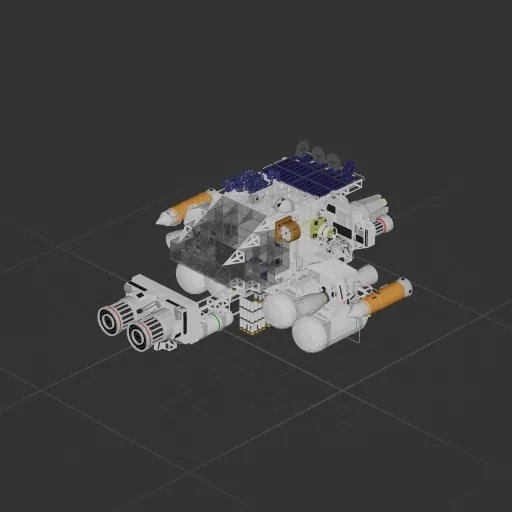
Interplanetary Complete ship Large

Planeteer v4.2

Specifications

2,225 Parts
90 Part types
17 Engines
1,727 Cable cells
156 Frames
342 Equipment parts

Engine mix

  • Fuel thrusters7
  • Electric thrusters4
  • Maneuvering6

Equipment

  • Cockpit seat 1
  • Fuel tanks 6
  • Solar panels 8
  • Batteries 9
  • Logic circuits 31
  • Wireless links 52
  • Screens & cameras 1
  • Radar 1
  • Fuel plumbing 95

Most used parts

  • Power Cable 1,102
  • Data Cable 606
  • Frame Half 54
  • Wireless Transmitter 52
  • Frame Full 38
  • Pipe Corner 33
  • Plasma Cable 19
  • Glass Full Curved 1 18

Author's description

Planet discovering ship. Turn off the fuel when you arrive and are low speed #Only use burn for the trip to outcast # #Tried to make them decouple but the ship kept breaking apart# **Hold burn for like 3 sec when you're pointed at oucast planet** %for trips under 10m meters put altitude at 100k for safety% *Be Advised: There is some unwanted pitch movement down when the engines switch at midpoint* A point and wait planet hopping ship, can approch any planet safely regardless of gravity or atmosphere. How?: To use RCS, turn OFF the Gyroline Point at a planet, put the Target Altitude (constant) at 500k, and let the Auto BPS/Hover system take you there. Be sure to put the Altitude to at least 100k so you dont crash when you arrive. To Hover: turn on the gyro and select the target altitude To land: go to 5k, turn OFF the gyro, point at landing spot, go to 10 meters, turn on gyro around 100 meters. Power ~6m back ~4m front Patch notes: I posted the wrong bp

How to install this ship

  1. Download the ZIP. Every download contains two files with matching names — a .bp and a .bpmeta. You need both: the .bp is the ship, the .bpmeta holds its name. A .bp on its own will not appear in the game.
  2. Unzip into the Blueprints folder. Paste %USERPROFILE%\AppData\LocalLow\ApproximatelyGames\ApproximatelyUp\Blueprints into Explorer's address bar and drop both files there. Keep their filenames exactly as they are — the game pairs them by name.
  3. Restart and open the blueprint menu. The game reads the folder on startup, so restart it. Open the blueprint menu, find the ship by its name and load it. Test it next to a garage before flying a mission.

Similar ships

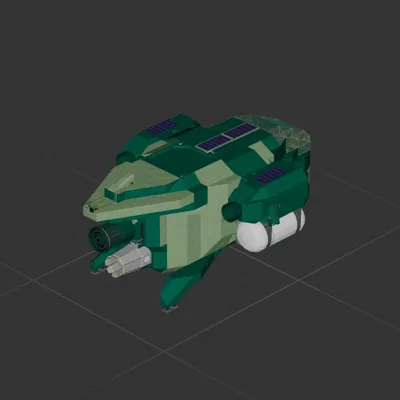
Planeteer v3
Planeteer v3

Planeteer v3

SenseiTrash

1,987 parts Large

Interplanetary

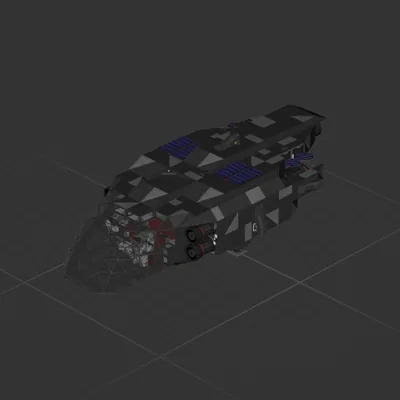
Stardestroyer
Stardestroyer

Stardestroyer

At_My_demo

3,115 parts Large

Interplanetary