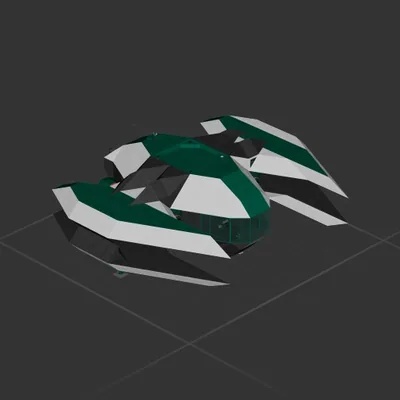
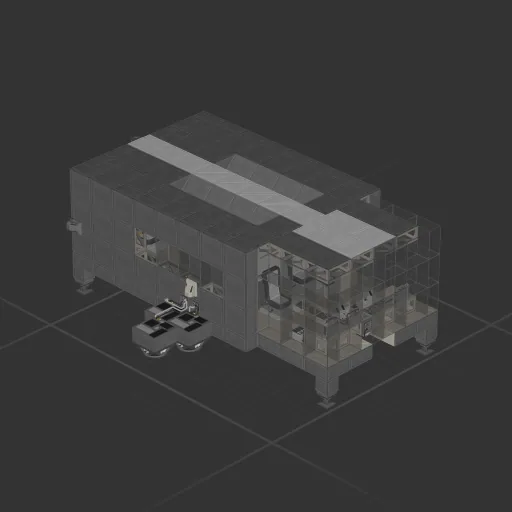
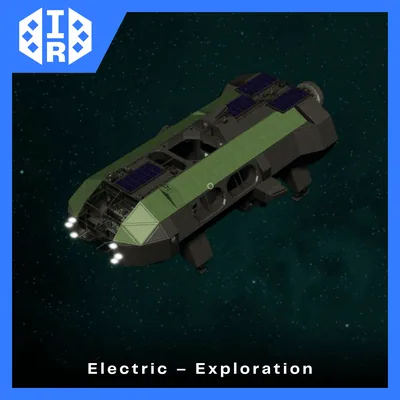
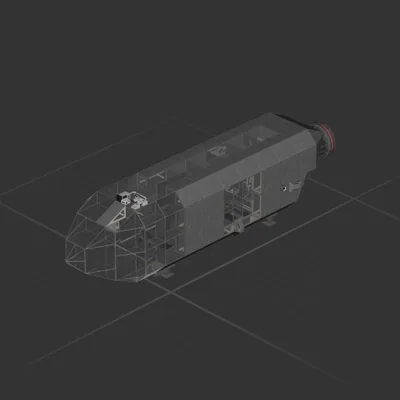
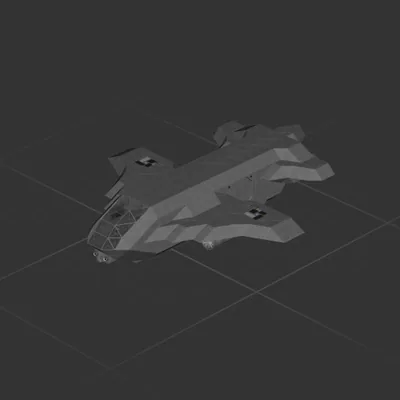
This is our perfect Moon spaceship! It has brakes that make landing on the Moon easier, plus amenities like drums and a drawing board to keep your flight from feeling dull.
Landing tip: As you approach the Moon, brake down to a slow speed and face forward with the nose at about 45 degrees. Set the up/down thrusters to 100 — once they kick in, use them for braking and speed control. Take it slow and land gently rather than rushing it.
It was a fun little idea that turned out to work really well — way easier than doing a full turnaround to brake.
Idea and technical work by Fuchsi_f5. We hope you like it!
How to install this ship
Download the ZIP.Every download contains two files with matching names — a .bp and a .bpmeta. You need both: the .bp is the ship, the .bpmeta holds its name. A .bp on its own will not appear in the game.
Unzip into the Blueprints folder.Paste %USERPROFILE%\AppData\LocalLow\ApproximatelyGames\ApproximatelyUp\Blueprints into Explorer's address bar and drop both files there. Keep their filenames exactly as they are — the game pairs them by name.
Restart and open the blueprint menu.The game reads the folder on startup, so restart it. Open the blueprint menu, find the ship by its name and load it. Test it next to a garage before flying a mission.