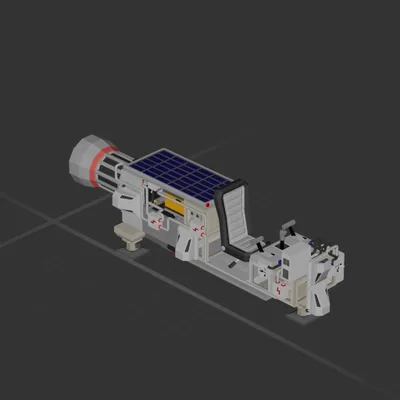
★Light Speed Industries★ presents:
<b>Traveler</b>
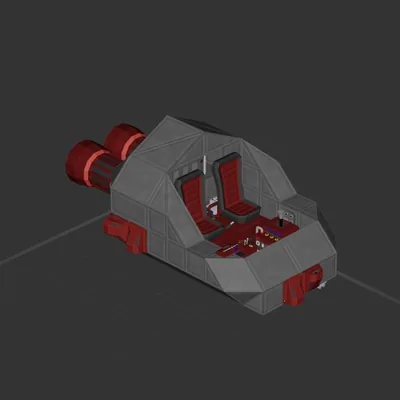
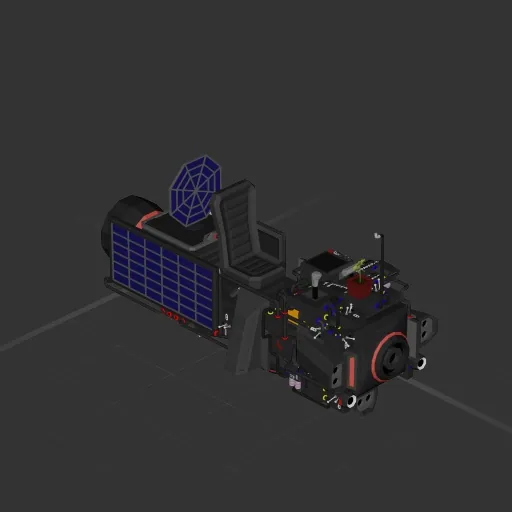
A small, efficient space bike that can take you almost anywhere while providing an unobstructed view of the beautiful cosmos.
<color=green>Features:
• Comfortable seat.
• 3 Solar panels.
• <b>Crank.</b>
• Accurate crosshair.
• Electric hover thruster armed with
velocity-based hover.
• Power usage and generation meters
• Pretty flower to keep you company.
• Velocity meter.
• Breaking Point System
• Maneuvering thrusters.
• Trajectory meter.
• Headlights.
• Radar.</color>
<color=#00B5FF>Specifications:
Mass: 1893
Acceleration: 175 m/s²
Deceleration: 124 m/s²
Solar generation: 17P/s
Total generation: 29P/s
Cruise power usage: 16P/s
Peak power usage: 31P/s
</color>
Happy flying! And don’t forget to register as an organ donor at the nearest HQ..
How to install this ship
Download the ZIP.Every download contains two files with matching names — a .bp and a .bpmeta. You need both: the .bp is the ship, the .bpmeta holds its name. A .bp on its own will not appear in the game.
Unzip into the Blueprints folder.Paste %USERPROFILE%\AppData\LocalLow\ApproximatelyGames\ApproximatelyUp\Blueprints into Explorer's address bar and drop both files there. Keep their filenames exactly as they are — the game pairs them by name.
Restart and open the blueprint menu.The game reads the folder on startup, so restart it. Open the blueprint menu, find the ship by its name and load it. Test it next to a garage before flying a mission.