 424 ↓
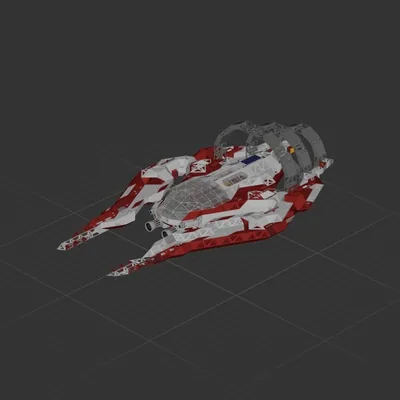
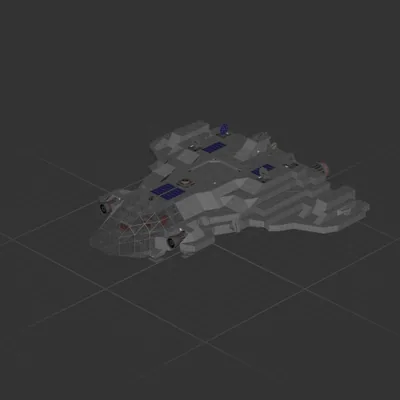
424 ↓ " Halo Interceptor "
Cruiser
Workshop author: Killer_Potato · Steam ↗
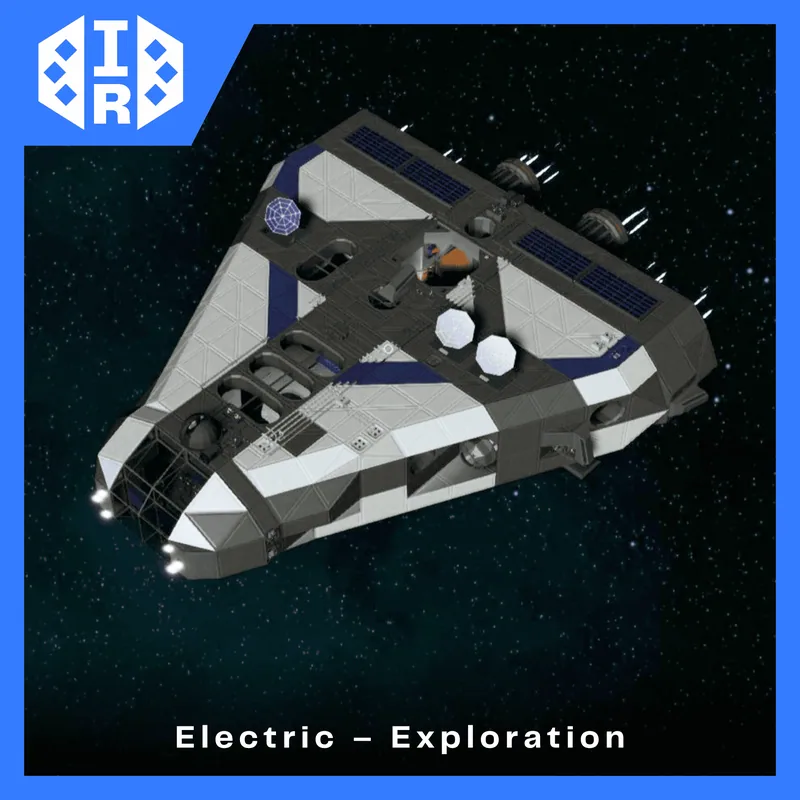
Following the complete failure of the EX-3, Iron Ridge engineers decided to make the future of electric space travel without any of the electrical problems its predecessor fell victim to. When the Arrow finally came out, it was a revolutionary pre-combustion fuel spacecraft that was capable of more than you'd expect, especially because of its numerous redundancies and battery safety tech. The Arrow 1 comes equipped with a full electrical monitoring and control suite that allows crews to keep the main electrical system safe, partially recharge each engine battery, and keep both engine clusters from burning out the main system batteries. The Arrow also comes with a 60x zoom camera on the front, a sensor suite consisting of a front and rear long-range distance sensor, a rear, lower, interior, and front camera, and any other sensor available at the time. This ship includes a camera operator seat that allows its user to stream camera and data feeds directly onto the pilot's right monitor. The ship has 3,920,000 N of thrust, 13+ minutes of constant full-thrust burn time, which, trust me, is pretty much enough for most things, and a main systems battery cluster capable of running a full-power mid-Baobara era shield for roughly 8 minutes straight, giving the pilot ample time to land safely in >57m/s wind. The ship is also capable of atmospheric reverse thrust.
424 ↓ Cruiser
 173 ↓
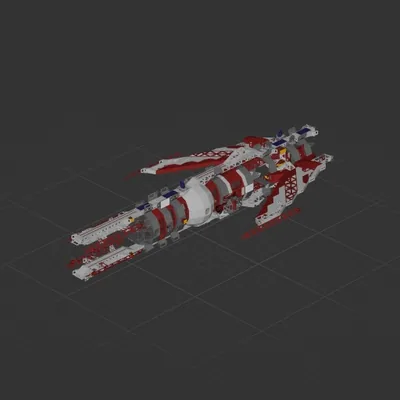
173 ↓ Cruiser
Cruiser
Cruiser