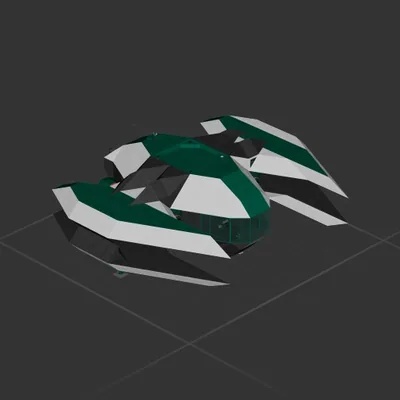
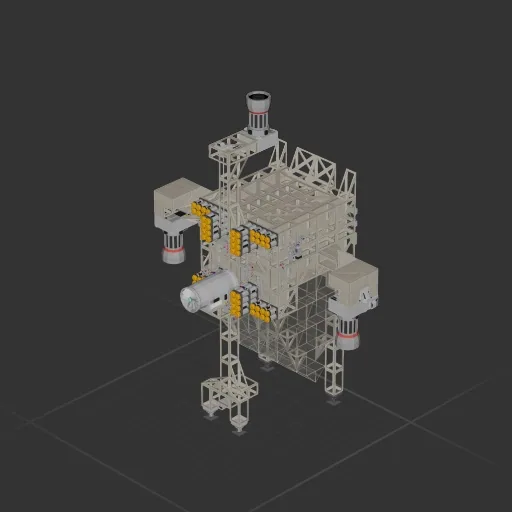
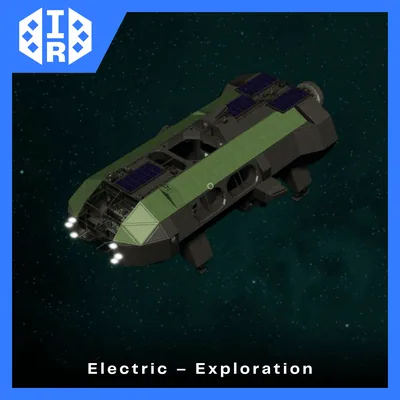
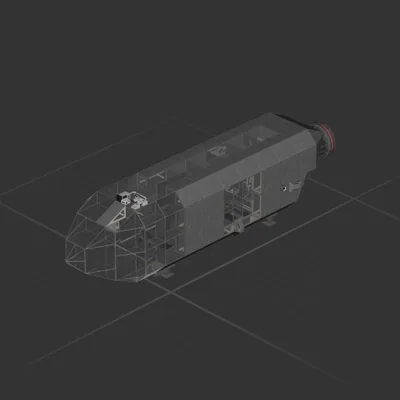
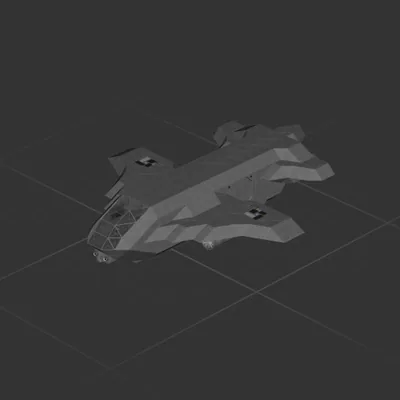
Planeteer v1
This is a back to earth mission ship, never got to try it out.
How?
To use RCS, turn OFF the Gyroline
Point and wait auto BPS/Hover system corrects the unstable lighting's blackouts. Point at Earth and put the altitude at like 10k
Missions: Unstable Delivery
Tell me if it works lmao
To hover turn on the gyro and select the altitude
to land: go to 5k, turn OFF the gyro, point at landing spot, go to 10 meters, turn on gyro around 100 meters.
How to install this ship
Download the ZIP.Every download contains two files with matching names — a .bp and a .bpmeta. You need both: the .bp is the ship, the .bpmeta holds its name. A .bp on its own will not appear in the game.
Unzip into the Blueprints folder.Paste %USERPROFILE%\AppData\LocalLow\ApproximatelyGames\ApproximatelyUp\Blueprints into Explorer's address bar and drop both files there. Keep their filenames exactly as they are — the game pairs them by name.
Restart and open the blueprint menu.The game reads the folder on startup, so restart it. Open the blueprint menu, find the ship by its name and load it. Test it next to a garage before flying a mission.