AU Корабли

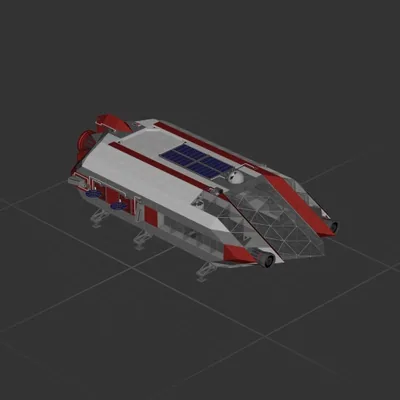
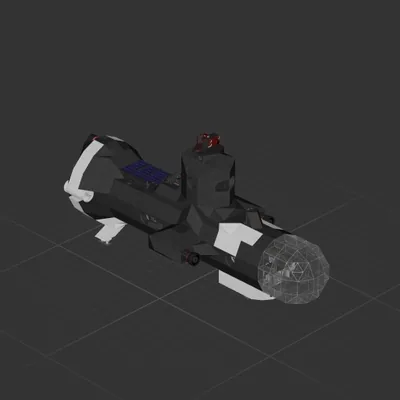
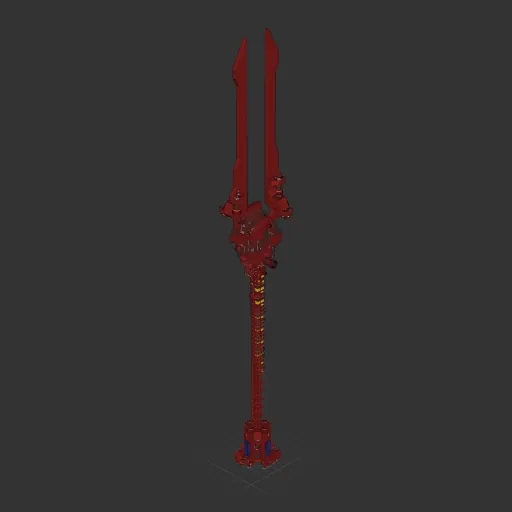
Lance of Longinus

Автор в Мастерской: The Last Virgin · Steam ↗
Крейсер Целый корабль Крупный

Lance of Longinus

Характеристики

2 908 Деталей
71 Видов деталей
27 Двигателей
2 308 Клеток кабеля
324 Рам
276 Деталей оборудования

Состав двигателей

  • Подъёмные10
  • Электрические маршевые5
  • Маневровые12

Оснащение

  • Кресло пилота 1
  • Солнечные панели 4
  • Батареи 18
  • Логические схемы 37
  • Радиоканалы 30
  • Экраны и камеры 3
  • Радар 1

Чаще всего использованы

  • Data Cable 1 184
  • Power Cable 1 124
  • Frame Quarter With Ports 114
  • Frame Half 54
  • Frame Full 48
  • Wireless Transmitter 30
  • Frame Quarter With Ports Corner 28
  • Frame Half Curved 1 21

Описание автора

The Spear of Longinus, the Spear of Destiny, or the Holy Spear, is the lance that pierced the side of Jesus as he hung on the cross during his crucifixion. **Should be landed verically** **Unable to carry medium sized packages** # Specs * Can thrust in four directions * Fast rotation overall * Very compact pilot room * 196000P Battery * Speed and distance monitor for 3 directions: front, back and down * lights for whole front 180 degs * Camera for back and down * The pilot room can almost see through in every direction * Auto landing with Fan (85~90 degs, <100 vel with air) # Notes * Easy to aim at destination planet visually * Thrusting forward and backwards are both fast, but up (LIFT+) and down (LIFT-) is slow. * Remember to flip it as close as 90 degs when landing * When rotated 90 degs, use "LIFT" to adjust landing position precisely * Do not land on places with strong wind, it will be blown away, hover it instead. * For hovering, flip it vertically (85~90 degs), enable auto landing, then set thrust to positive 1~5 depend on gravity.

Как установить этот корабль

  1. Скачайте ZIP. В каждом архиве два файла с одинаковыми именами — .bp и .bpmeta. Нужны оба: .bp это сам корабль, .bpmeta хранит его название. Один только .bp в игре не появится.
  2. Распакуйте в папку Blueprints. Вставьте %USERPROFILE%\AppData\LocalLow\ApproximatelyGames\ApproximatelyUp\Blueprints в адресную строку проводника и положите туда оба файла. Имена не меняйте — игра связывает пару именно по имени.
  3. Перезапустите игру и откройте меню чертежей. Папка читается при запуске, поэтому игру надо перезапустить. Откройте меню чертежей, найдите корабль по названию и загрузите. Перед вылетом проверьте его рядом с гаражом.

Подробная инструкция →

Похожие корабли

Trident
Trident 161 ↓

Trident

Debbie Thornberry

3 122 деталей Крупный

Крейсер

The Orca
The Orca

The Orca

CoronaKid

3 507 деталей Крупный

Крейсер