 387 ↓
387 ↓ Compact PID with AntiWindup (Auto-Hover)
Система
Автор в Мастерской: Taddsworth · Steam ↗
У этой сборки нет двигателей — это корпус, система или часть корабля.
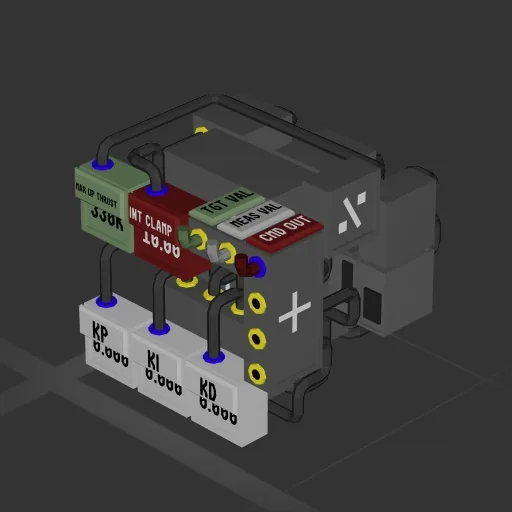
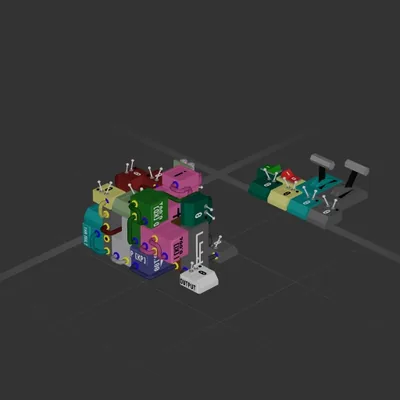
An upgrade of my previous PID controller. Better interface (all numbers and I/O cables on one side). Auto grav bias calculator based on your max hover thrust capability (INCLUDE THE K). Clamped integrator for better anti-windup than the previous design, but uses a few more components (9 more math). Mountable from any side. Same tuning method, but you'll need to include your max upwards thrust in the Green box for the auto-grav bias to work. Will adjust between planets. Integrator clamp will allow you to set the maximum stored in the integrator, so it can't just wind up like crazy while your error is high. Also I painted this one so it looks nicer :) Hope you enjoy. DONT FORGET your thrust capability needs to be entered in Newtons, so 330KN means enter 330K in the green box, not 330. See my other blueprint, the MEATBALL, for an example of this in action with pretty well-tuned gains.
387 ↓ Система
Система
Система
Система