 387 ↓
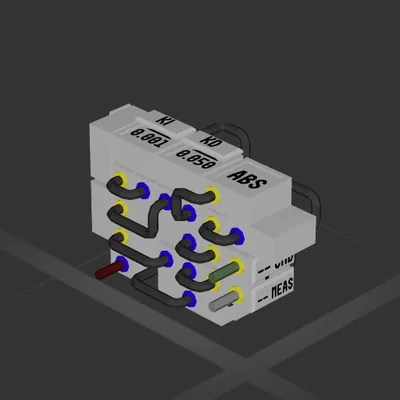
387 ↓ Compact PID with AntiWindup (Auto-Hover)
Система
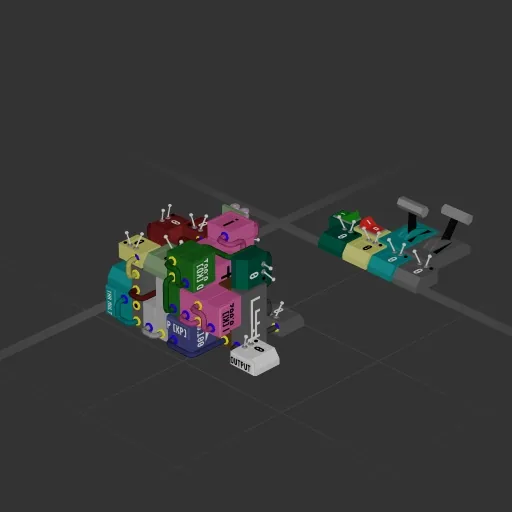
У этой сборки нет двигателей — это корпус, система или часть корабля.
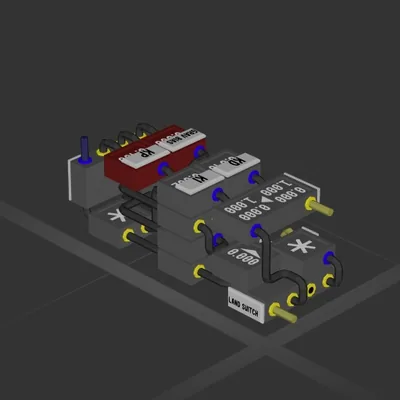
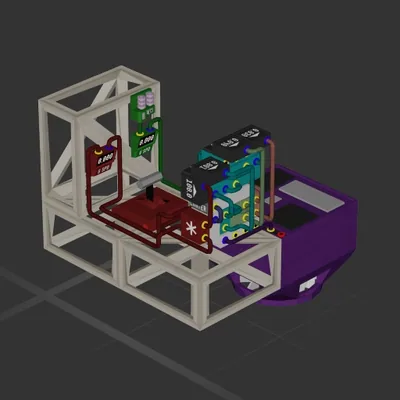
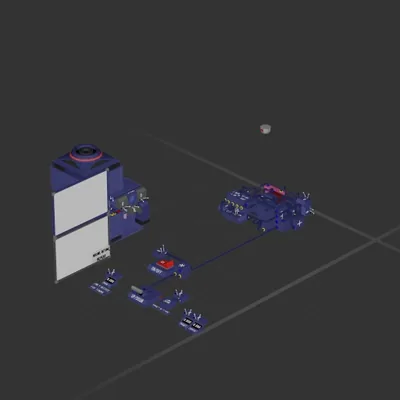
NEW -- Added a dynamic gravity bias, this circuit works without destroying your ship on Basalt. Relatively compact PID controller with manual override for thrusters. The channels have placeholder controls so new players will hopefully understand what they do. Thrust multiplier is at maximum velocity set position (100 on the lever) 1*20 = 20m/s, meaning the controller will try to reach 20m/s. P Multiplies current error. I Integrates error and multiplies it. This eliminates the steady state error introduced by P. D Derivative multiplies rate of error. This dampens oscillations. I honestly have a very rudimentary understanding and just changed the values until it started hovering without oscillating at all. The red box on the side sets the height-velocity ramp (1000m - 0.4m) -> (-150m/s - -0.5m/s) Basically the ship will want to go -150 m/s at 1000m and slow down to a nice and gentle -0.5m/s by 0.4m off the ground. 0.4 will be replaced by whatever height your distance sensor or long distance sensor is at from the ground while landed. My ship has it at 0.4 even though the sensor is at 0.8, it doesn't really matter that much. Gravity bias is set to divide the current gravity with the gravity of earth x4 (40) set this to a lower amount if the gravity is even higher than what I've managed to test on Basalt. It should hopefully work on all planets but I haven't been far enough lol.
387 ↓ Система
Система
Система
Система