AU Корабли

" Last Hope "

Автор в Мастерской: Soulllevskiy 最 · Steam ↗
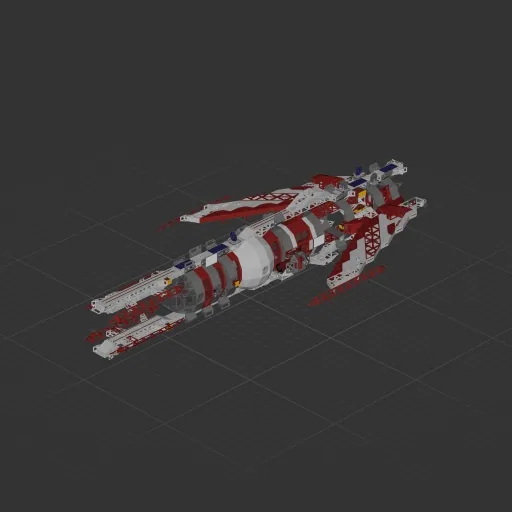
Крейсер Целый корабль Огромный

" Last Hope "

Характеристики

4 846 Деталей
93 Видов деталей
23 Двигателей
3 581 Клеток кабеля
949 Рам
316 Деталей оборудования

Состав двигателей

  • Подъёмные8
  • Электрические маршевые3
  • Маневровые12

Оснащение

  • Кресло пилота 4
  • Солнечные панели 8
  • Батареи 20
  • Логические схемы 26
  • Радиоканалы 30
  • Экраны и камеры 3
  • Радар 1

Чаще всего использованы

  • Power Cable 1 853
  • Data Cable 1 728
  • Frame Full 218
  • Frame Full Curved 1 184
  • Frame Half Curved 5 153
  • Frame Half Curved 1 108
  • Frame Half Curved 2 48
  • Frame Half 46

Описание автора

Hello everyone! I transferred this project from the demo version and added new tools to it. With its help, you can easily complete the first three planets. Every like you give to my projects inspires me to create even more, so please support me! <3 --------------------------------------------- The ship is equipped with automatic systems such as soft landing and takeoff (with the ability to select a target altitude) — the system is similar to the one on the Halo Interceptor, meaning the ship can't land fully and hovers at a maximum of 5 meters. It also features automatic stabilization. Sensitivity can be adjusted from 1 to 100 (it is recommended to keep it between 3 and 7). --------------------------------------------- !!!! The ship automatically scans the gravity of the planet you are on !!!! When spawning the ship, do not place it directly on the ground. Leave a gap of 5–6 blocks above the surface. Stand on the ground and start the game — the ship will automatically rise higher and begin scanning gravity. After a short time, it will automatically land, signaling that it is ready for operation. --------------------------------------------- Many thanks to "SANTXC Youtube" for developing the automated logic components and helping to configure the automatic systems!

Как установить этот корабль

  1. Скачайте ZIP. В каждом архиве два файла с одинаковыми именами — .bp и .bpmeta. Нужны оба: .bp это сам корабль, .bpmeta хранит его название. Один только .bp в игре не появится.
  2. Распакуйте в папку Blueprints. Вставьте %USERPROFILE%\AppData\LocalLow\ApproximatelyGames\ApproximatelyUp\Blueprints в адресную строку проводника и положите туда оба файла. Имена не меняйте — игра связывает пару именно по имени.
  3. Перезапустите игру и откройте меню чертежей. Папка читается при запуске, поэтому игру надо перезапустить. Откройте меню чертежей, найдите корабль по названию и загрузите. Перед вылетом проверьте его рядом с гаражом.

Похожие корабли

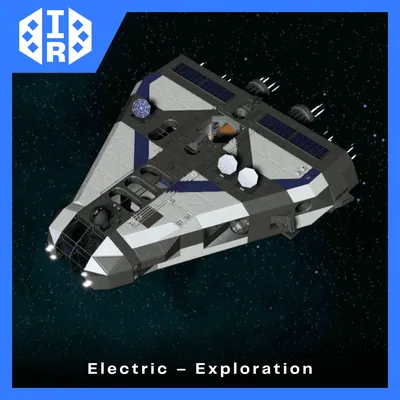
" Halo Interceptor "
" Halo Interceptor " 424 ↓

" Halo Interceptor "

Soulllevskiy 最

4 114 деталей Огромный

Крейсер

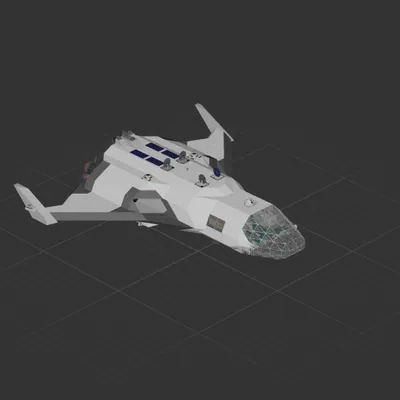
IR Arrow 1
IR Arrow 1 116 ↓

IR Arrow 1

Killer_Potato

4 782 деталей Огромный

Крейсер

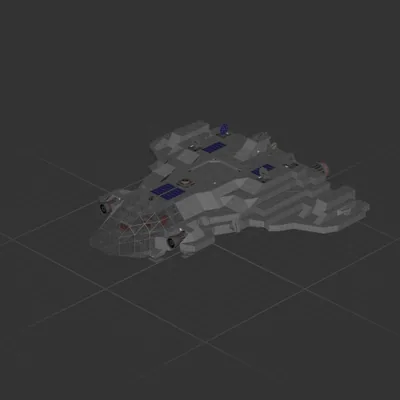
Moonshot (P)
Moonshot (P)

Moonshot (P)

L123u

4 100 деталей Огромный

Крейсер

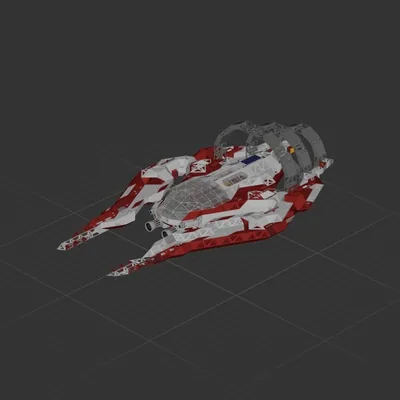
AmiV1
AmiV1

AmiV1

Ramble

5 086 деталей Огромный

Крейсер