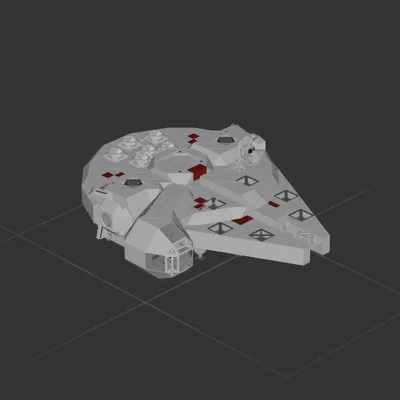
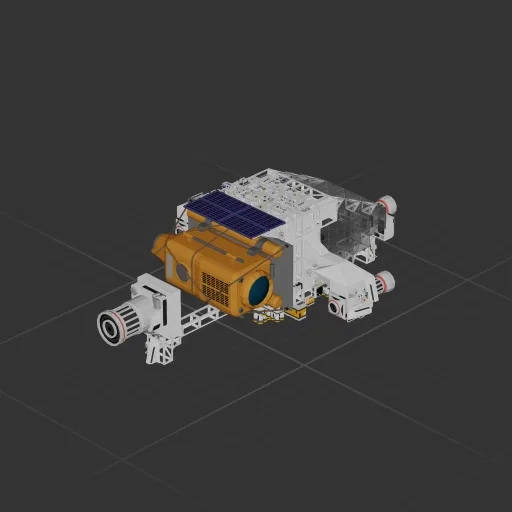
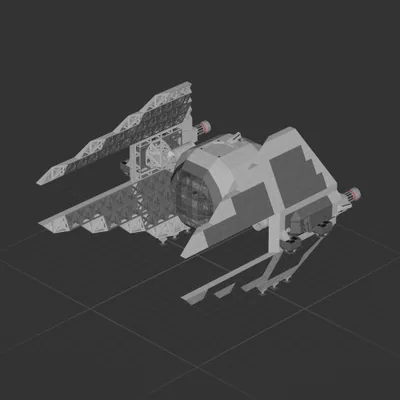
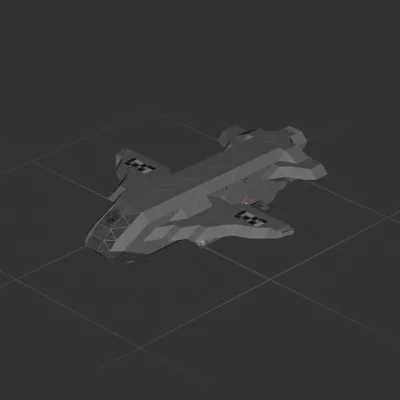
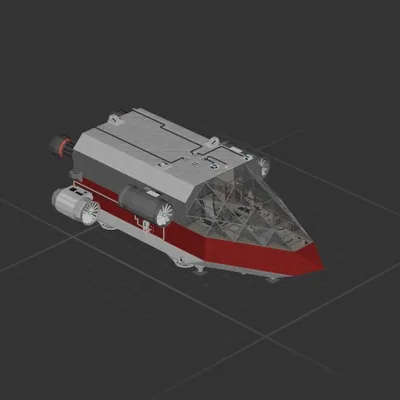
Planeteer v1.5
Perfect for getting to and finding the Andara bases for the Missions to get there with the Med Ele Thruster and the Sub
Flick the switch to 0 if you dont have the sub
You might need to raise it off the floor becu.. you'll see.
Missions:
Drop The Depth Diver
Trial By Thrust (Delete the sub and flick switch)
How?:
To use the RCS, turn OFF the Gyroline
Point at Andara and put the Alt(constant) at 4k
and let the Auto BPS/Hover system take you there.
!! Be sure to put the Altitude at 4k so you dont fall out of the sky when you arrive!!
Ctr+g to get in
1 is Auto BPS/Hover 2 is manual control
To Hover:
Turn on the gyro and select the altitude
To Land:
Go to 5k, turn OFF the gyro, point at landing spot, go to 10 meters, turn on gyro around 100 meters. For longer ranges go higher and stop longer(100k>10k is what i do)
I call this Bretheing
Как установить этот корабль
Скачайте ZIP.В каждом архиве два файла с одинаковыми именами — .bp и .bpmeta. Нужны оба: .bp это сам корабль, .bpmeta хранит его название. Один только .bp в игре не появится.
Распакуйте в папку Blueprints.Вставьте %USERPROFILE%\AppData\LocalLow\ApproximatelyGames\ApproximatelyUp\Blueprints в адресную строку проводника и положите туда оба файла. Имена не меняйте — игра связывает пару именно по имени.
Перезапустите игру и откройте меню чертежей.Папка читается при запуске, поэтому игру надо перезапустить. Откройте меню чертежей, найдите корабль по названию и загрузите. Перед вылетом проверьте его рядом с гаражом.